
如何将多张照片或视频片段免费制作成动态GIF
Learn how to convert MP4 and WebM video clips or photo bursts into lightweight, smooth animated GIFs free in your browser with zero watermarks.
Animated GIFs are the universal language of social media, Slack messages, GitHub pull requests, and email newsletters. However, uploading videos to online GIF converters often means waiting in long server queues and getting watermarked results.
ILoveImages' GIF Maker processes video clips and image sequences entirely in your browser using fast WebAssembly canvas rendering, giving you smooth frame rates and sharp color palettes with zero server uploads.
Animated GIF Conversion Demonstration
Side-by-side visual comparison • Instant on-device result
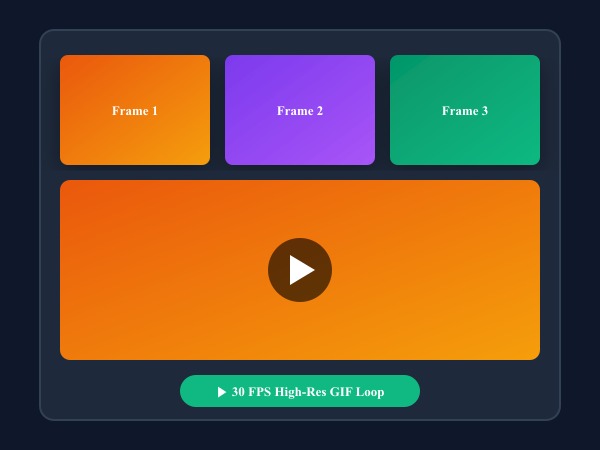
Figure 1: Turning static photo sequence into high framerate looping GIF animation with customizable frame delays.
Create Animated GIF Free核心功能与特长: GIF Maker
与传统的桌面软件或云端工具不同,ILoveImages GIF Maker 借助高速 WebAssembly 技术完全在您的本地浏览器内运行。其核心优势如下:
- Fast In-Browser GIF Encoding: Compiles animated GIFs directly using WebAssembly without server wait times.
- Frame-by-Frame Control: Reorder, duplicate, adjust duration, and delete individual animation frames.
- Palette Optimization: Quantizes colors smoothly with dithering algorithms to prevent color banding.
- Zero Watermarks: Export clean, viral animated GIFs without annoying logo overlays.
分步操作指南: GIF Maker
无需安装任何软件,在本地浏览器中仅需简单几步即可快速完成处理,全程保护隐私安全:
Create High-Quality Animated GIFs Now
Convert clips, tune frame rates, and export watermark-free GIFs in seconds.
常见问题解答 (FAQ)
Is there a watermark on the exported GIF?
Never. All GIFs generated on ILoveImages are 100% clean and free of watermarks.
Can I make a GIF from static photos instead of video?
Yes! You can drop a series of photo frames to build stop-motion animations with custom delay speeds.