
如何将新一代WebP和AVIF图片格式批量转成通用JPG或PNG
Convert next-generation WebP and AVIF web images back into universally compatible JPG or PNG formats for legacy apps and presentations.
When you right-click and save images from websites today, they often save as .webp or .avif files instead of standard JPEGs. Trying to insert these files into PowerPoint, Photoshop, or Word documents often triggers unsupported format errors.
ILoveImages decodes WebP and AVIF files instantly in your browser, converting them into universally supported JPG or PNG assets in a flash.
By utilizing modern browser WebAssembly and HTML5 Canvas pipelines, ILoveImages processes every image locally inside your device memory. This eliminates upload bottlenecks, protects your confidential files from third-party server exposure, and provides lightning-fast execution even on high-resolution camera files.
Universal Format Conversion (HEIC/AVIF/WebP)
Side-by-side visual comparison • Instant on-device result
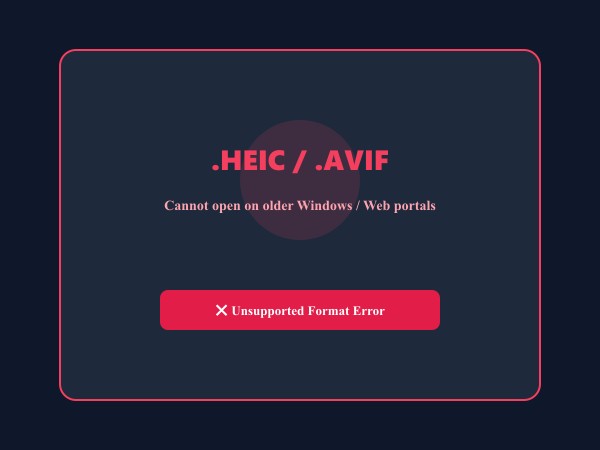
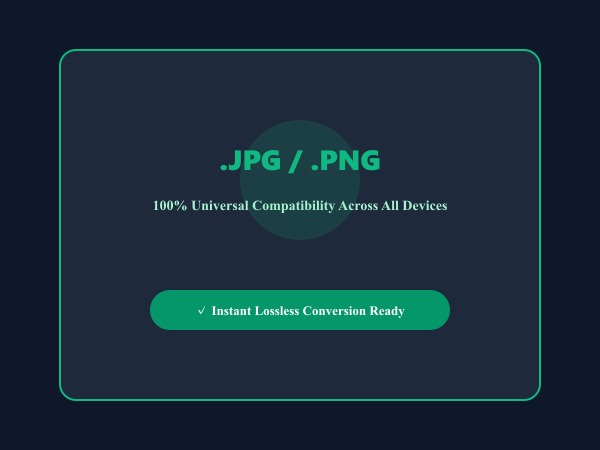
Figure 1: Seamless client-side conversion of proprietary iPhone HEIC and AVIF files into universal high-compatibility JPG/PNG images.
Convert Images Free核心功能与特长: Convert Image
与传统的桌面软件或云端工具不同,ILoveImages Convert Image 借助高速 WebAssembly 技术完全在您的本地浏览器内运行。其核心优势如下:
- Wide Format Compatibility: Convert seamlessly between Apple HEIC, JPG, PNG, WebP, AVIF, GIF, and SVG.
- Native Apple HEIC Decoding: Instantly convert iPhone .heic and .heif photos directly in your browser without Mac software.
- High-Fidelity Color Retention: Preserves exact sRGB color profiles and dynamic range during format transformation.
- Instant Bulk Conversion: Batch convert hundreds of camera files into web-friendly formats with 1-click ZIP export.
分步操作指南: Convert Image
无需安装任何软件,在本地浏览器中仅需简单几步即可快速完成处理,全程保护隐私安全:
Convert WebP & AVIF to JPG or PNG Free
Universal compatibility with zero server uploads.
常见问题解答 (FAQ)
Should I convert to JPG or PNG?
Choose JPG for photos to maintain smaller file size, or PNG if your image contains text, logos, or transparent backgrounds.
Can I use these tools completely offline without an internet connection?
Yes! Once you visit ILoveImages or install it as a PWA, all core scripts and WebAssembly modules are cached locally in your browser's service worker, allowing you to edit photos anywhere, even in airplane mode.
Are my uploaded photos or edits stored on any server?
Never. ILoveImages is built with a zero-server-upload architecture. Every pixel calculation occurs strictly in your browser's local sandbox memory.