
Web Geliştiricileri İçin Core Web Vitals Rehberi
Master Google Core Web Vitals (LCP) by compressing assets, converting to modern WebP and AVIF, and setting up responsive HTML picture tags.
Images account for over 60% of the average website's page weight. Unoptimized hero banners are the single largest contributor to poor Largest Contentful Paint (LCP) scores in Google PageSpeed Insights.
Converting legacy JPEGs to modern WebP and AVIF formats cuts payload sizes by 40% while retaining high visual fidelity, boosting search rankings and user retention.
By utilizing modern browser WebAssembly and HTML5 Canvas pipelines, ILoveImages processes every image locally inside your device memory. This eliminates upload bottlenecks, protects your confidential files from third-party server exposure, and provides lightning-fast execution even on high-resolution camera files.
Universal Format Conversion (HEIC/AVIF/WebP)
Side-by-side visual comparison • Instant on-device result
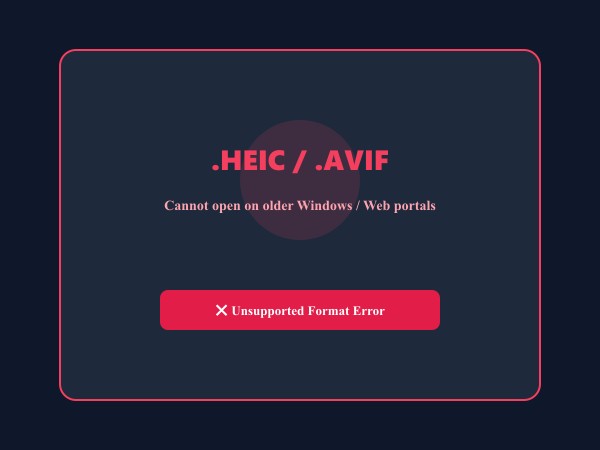
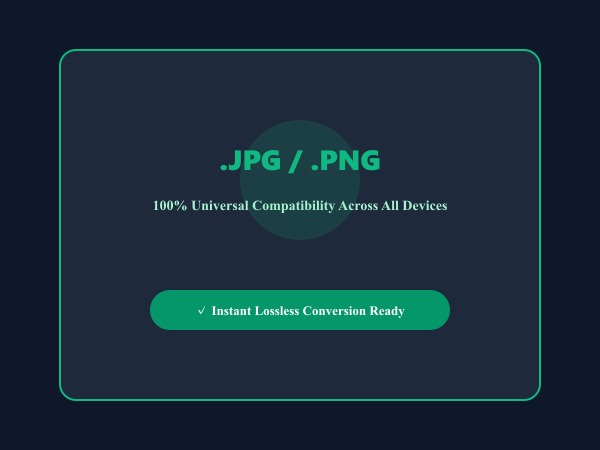
Figure 1: Seamless client-side conversion of proprietary iPhone HEIC and AVIF files into universal high-compatibility JPG/PNG images.
Convert Images FreeÖnerilen Araçlar
Modern professional workflows demand speed, consistency, and uncompromising data security. Whether preparing client deliverables, meeting regulatory compliance standards, or managing high-volume product catalogs, ILoveImages equips Professionals with high-performance tools engineered for real-world efficiency:
- 360Editor Professional Suite: Complete 11-tab in-browser editing environment with multi-layer overlays, color grading, and complete history rollback.
- High-Speed Bulk Compressor: Automatically reduce photo file sizes to meet strict upload quotas (under 20KB, 50KB, or 100KB) with zero perceptible sharpness loss.
- AI Background Remover & Circle Crop: Cut out subjects cleanly and generate standardized headshots, product listings, and employee avatars in seconds.
- Batch Renaming & Numbering: Organize hundreds of photoshoot files with clean sequential numbering, date stamps, and project prefixes in one click.
- Permanent PII Redaction & Metadata Scrubbing: Blur sensitive client details and strip GPS geotags before sharing files to guarantee client confidentiality and GDPR/HIPAA compliance.
Adım Adım Kullanım Rehberi: Convert Image
Yazılım kurmadan ve %100 gizlilikle, tarayıcınızda saniyeler içinde işleminizi tamamlamak için bu adımları takip edin:
En İyi Uygulamalar
To maintain top professional standards across all digital assets, keep these core guidelines in mind:
- Always sanitize metadata before publishing: Strip GPS coordinates and camera serial numbers from client photos using Remove EXIF to prevent location leaks.
- Standardize resolution and aspect ratios: Maintain consistent dimensions (e.g. 1080x1350 for social, 2000x2000 for e-commerce) to build a cohesive visual brand.
- Protect client confidentiality: Avoid uploading proprietary blueprints, financial records, or patient photos to third-party cloud utilities—always use local in-browser processing.
Convert Web Assets to Next-Gen Formats
Fast batch conversion to WebP and AVIF with zero server uploads.
Sıkça Sorulan Sorular
How should I implement next-gen formats in HTML?
Use the HTML <picture> tag with <source type='image/avif'> and <source type='image/webp'>, falling back to <img> for maximum compatibility.
Can I use these tools completely offline without an internet connection?
Yes! Once you visit ILoveImages or install it as a PWA, all core scripts and WebAssembly modules are cached locally in your browser's service worker, allowing you to edit photos anywhere, even in airplane mode.
Are my uploaded photos or edits stored on any server?
Never. ILoveImages is built with a zero-server-upload architecture. Every pixel calculation occurs strictly in your browser's local sandbox memory.