
How to Add a Photo on Top of Another Photo (Overlay)
Learn how to add a photo on top of another photo online free. Step-by-step guide to add an image on top of an image with layers, blend modes, and zero uploads.
Adding a company logo over a marketing banner, creating a picture-in-picture effect, or superimposing transparent stickers over a portrait are core tasks in visual design. Traditionally, users had to fire up heavy desktop editors or pay for graphic design suites.
ILoveImages features a dedicated Overlay Image tool and interactive layer stack inside 360Editor that allows you to drag, rotate, scale, and blend multiple photos directly in your browser.
Whether you need to brand product photos or create double-exposure artistic portraits, multi-layer compositing is fast, fluid, and completely free.
Multi-Layer Photo Overlay Composition
Side-by-side visual comparison • Instant on-device result
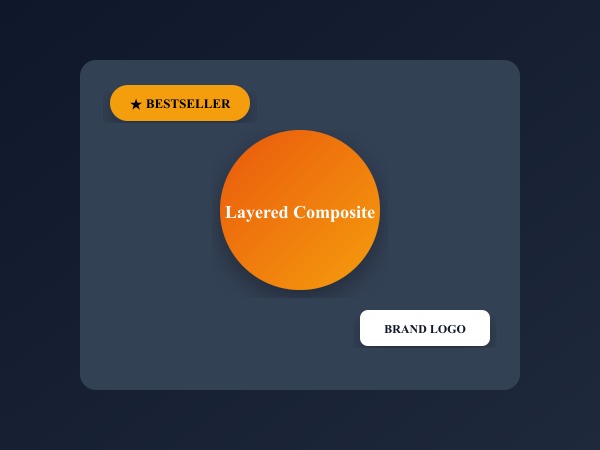
Figure 1: Precision layer composition superimposing transparent PNG cutouts, trust badges, and custom text over base photos.
Overlay Images FreeÖne Çıkan Yetenekler: Overlay Image
Geleneksel masaüstü yazılımların veya bulut servislerin aksine, ILoveImages Overlay Image doğrudan tarayıcınızda WebAssembly ile çalışır. İşte öne çıkan temel özellikleri:
- Multi-Layer Canvas: Place watermarks, transparent PNG logos, photo cutouts, and stickers over your base image.
- Precise Transform Controls: Smooth corner scaling, 360-degree rotation, and transparency opacity sliders.
- Local Browser Rendering: Zero server transmission ensures confidential brand assets and watermarked files remain 100% private.
- Full Resolution Export: Download high-resolution compositions without pixelation or quality loss.
Adım Adım Kullanım Rehberi: Overlay Image
Yazılım kurmadan ve %100 gizlilikle, tarayıcınızda saniyeler içinde işleminizi tamamlamak için bu adımları takip edin:
Combine Photos & Overlay Logos Free
Layer pictures, adjust blend modes, and brand your assets in seconds.
Sıkça Sorulan Sorular
Can I add multiple photos over a single background?
Yes, you can add multiple overlay layers, adjust the stack order, and arrange them individually before exporting.
Will the exported image lose clarity?
No. The final canvas retains the full resolution of your base photo with high-quality bicubic interpolation.
Can I overlay text as well as photos?
Yes. You can use our Add Text tool or 360Editor to combine multi-style typography and photo overlays on the same canvas.