
Круглая обрезка фото онлайн бесплатно
Crop photos into perfect circles for avatars and profile pictures. Smart AI face auto-centering, custom borders, and transparent PNG download 100% free.
Most platforms display profile pictures as circles. If your original image isn't centered, automated circle cropping often cuts off ears, hats, or hair.
ILoveImages' Circle Crop tool gives you an interactive circular viewfinder to frame your face perfectly and export a transparent PNG ready for any avatar upload.
By utilizing modern browser WebAssembly and HTML5 Canvas pipelines, ILoveImages processes every image locally inside your device memory. This eliminates upload bottlenecks, protects your confidential files from third-party server exposure, and provides lightning-fast execution even on high-resolution camera files.
Circular Avatar Crop Comparison
Side-by-side visual comparison • Instant on-device result
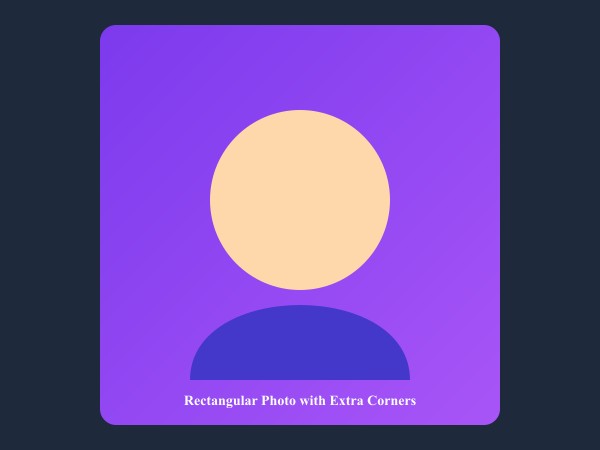
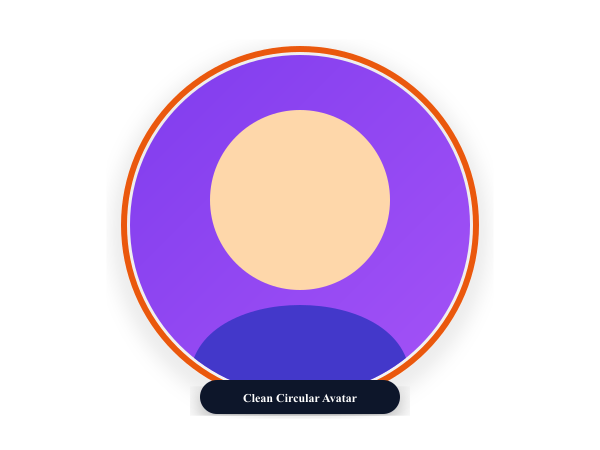
Figure 1: Transforming standard square portrait into a professional circular avatar cutout with subtle gradient accent ring.
Crop Photo to Circle FreeКлючевые возможности: Circle Crop
В отличие от традиционных программ и облачных сервисов, ILoveImages Circle Crop работает прямо в браузере на базе быстрых технологий WebAssembly. Вот ключевые преимущества инструмента:
- Smart AI Face Centering: Automatically frames your face within the circular crop lens, saving manual dragging adjustments.
- Transparent PNG Cutout: Exports crisp circular avatars with transparent outer corners for modern UI profiles.
- Custom Border Outlines: Add stylish colored borders around your circle avatar for LinkedIn and social profiles.
- Instant Bulk Cropping: Apply uniform circular crops across employee directories or team photo galleries.
Пошаговая инструкция: Circle Crop
Выполните эти простые шаги, чтобы обработать файлы за считанные секунды прямо в браузере без установки программ и с полной конфиденциальностью:
Crop Perfect Circle Avatars Free
Interactive circular crop with anti-aliased transparent edges.
Часто задаваемые вопросы (FAQ)
Are the corners of the exported circle transparent?
Yes! The exported file is a transparent PNG, so only the circle itself is visible against any backdrop.
Can I use these tools completely offline without an internet connection?
Yes! Once you visit ILoveImages or install it as a PWA, all core scripts and WebAssembly modules are cached locally in your browser's service worker, allowing you to edit photos anywhere, even in airplane mode.
Are my uploaded photos or edits stored on any server?
Never. ILoveImages is built with a zero-server-upload architecture. Every pixel calculation occurs strictly in your browser's local sandbox memory.