
Создание эстетичных фотоколлажей онлайн бесплатно
Combine multiple photos into beautiful collage layouts with adjustable grid spacing, rounded corners, and custom background colors.
Telling a complete story on social media or in print often requires showcasing multiple viewpoints in a unified layout.
ILoveImages' Photo Collage Maker intelligently adapts grid layouts to match your exact photo count, giving you fluid controls over spacing and corner rounding.
By utilizing modern browser WebAssembly and HTML5 Canvas pipelines, ILoveImages processes every image locally inside your device memory. This eliminates upload bottlenecks, protects your confidential files from third-party server exposure, and provides lightning-fast execution even on high-resolution camera files.
Photo Collage Layout Comparison
Side-by-side visual comparison • Instant on-device result
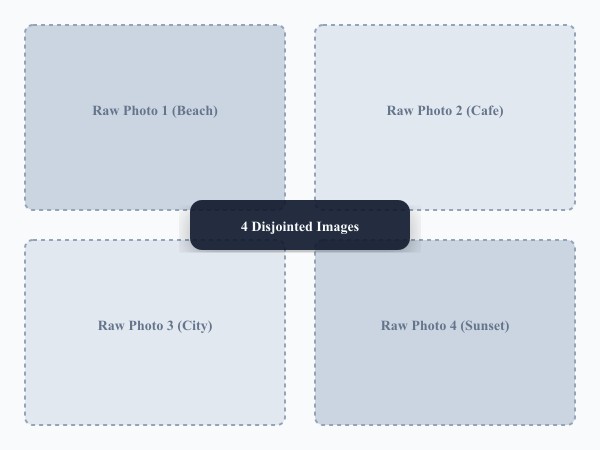
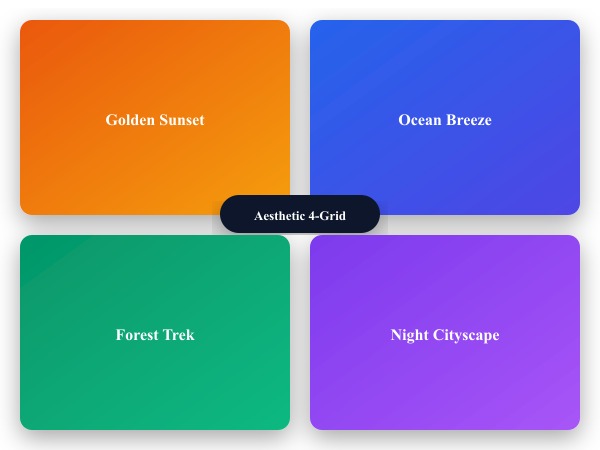
Figure 1: Visual comparison of raw photos before collage assembly versus after cohesive grid styling and proportional border padding.
Create Photo Collage FreeКлючевые возможности: Photo Collage Maker
В отличие от традиционных программ и облачных сервисов, ILoveImages Photo Collage Maker работает прямо в браузере на базе быстрых технологий WebAssembly. Вот ключевые преимущества инструмента:
- Diverse Grid Layouts: Dynamic multi-photo templates for side-by-side comparisons, moodboards, and trip highlights.
- Custom Spacing & Rounding: Tweak cell gaps and rounded corners for sleek, modern photo presentation.
- Automatic Proportional Scaling: Centers and fits images neatly into grid cells without unnatural stretching.
- High-Res Canvas Export: Generates sharp, uncompressed collage images ready for Instagram and printing.
Пошаговая инструкция: Photo Collage Maker
Выполните эти простые шаги, чтобы обработать файлы за считанные секунды прямо в браузере без установки программ и с полной конфиденциальностью:
Create Aesthetic Photo Collages Free
Dynamic grids, rounded corners, and high-resolution export.
Часто задаваемые вопросы (FAQ)
Can I swap photos between different grid cells?
Yes, simply drag photos between cells to rearrange their positions.
Can I use these tools completely offline without an internet connection?
Yes! Once you visit ILoveImages or install it as a PWA, all core scripts and WebAssembly modules are cached locally in your browser's service worker, allowing you to edit photos anywhere, even in airplane mode.
Are my uploaded photos or edits stored on any server?
Never. ILoveImages is built with a zero-server-upload architecture. Every pixel calculation occurs strictly in your browser's local sandbox memory.