
Cách ghép nhiều ảnh thành khung nghệ thuật cực đẹp
Combine multiple photos into beautiful collage layouts with adjustable grid spacing, rounded corners, and custom background colors.
Telling a complete story on social media or in print often requires showcasing multiple viewpoints in a unified layout.
ILoveImages' Photo Collage Maker intelligently adapts grid layouts to match your exact photo count, giving you fluid controls over spacing and corner rounding.
By utilizing modern browser WebAssembly and HTML5 Canvas pipelines, ILoveImages processes every image locally inside your device memory. This eliminates upload bottlenecks, protects your confidential files from third-party server exposure, and provides lightning-fast execution even on high-resolution camera files.
Photo Collage Layout Comparison
Side-by-side visual comparison • Instant on-device result
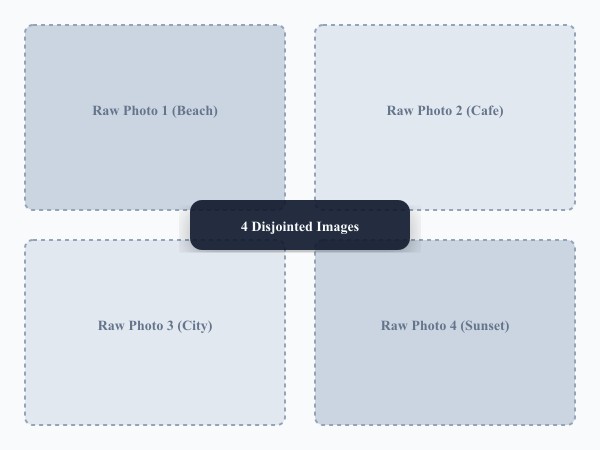
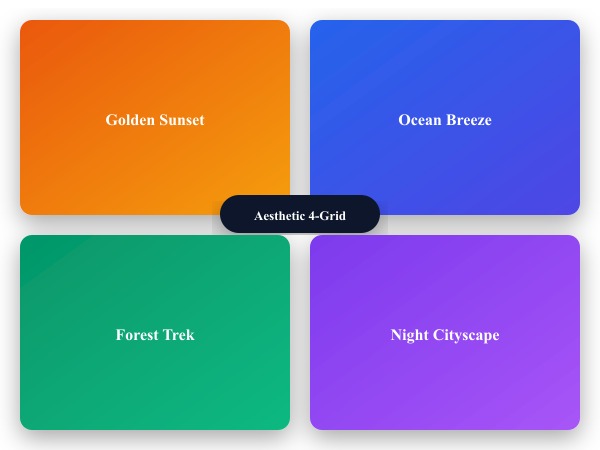
Figure 1: Visual comparison of raw photos before collage assembly versus after cohesive grid styling and proportional border padding.
Create Photo Collage FreeKhả năng & Tính năng nổi bật: Photo Collage Maker
Khác với các phần mềm truyền thống hay dịch vụ đám mây, ILoveImages Photo Collage Maker hoạt động 100% ngay trên trình duyệt nhờ công nghệ WebAssembly tốc độ cao. Dưới đây là các tính năng nổi bật:
- Diverse Grid Layouts: Dynamic multi-photo templates for side-by-side comparisons, moodboards, and trip highlights.
- Custom Spacing & Rounding: Tweak cell gaps and rounded corners for sleek, modern photo presentation.
- Automatic Proportional Scaling: Centers and fits images neatly into grid cells without unnatural stretching.
- High-Res Canvas Export: Generates sharp, uncompressed collage images ready for Instagram and printing.
Hướng dẫn từng bước: Photo Collage Maker
Làm theo các bước đơn giản sau để hoàn thành thao tác trong vài giây ngay trên trình duyệt, không cần cài đặt và bảo mật 100%:
Create Aesthetic Photo Collages Free
Dynamic grids, rounded corners, and high-resolution export.
Câu hỏi thường gặp
Can I swap photos between different grid cells?
Yes, simply drag photos between cells to rearrange their positions.
Can I use these tools completely offline without an internet connection?
Yes! Once you visit ILoveImages or install it as a PWA, all core scripts and WebAssembly modules are cached locally in your browser's service worker, allowing you to edit photos anywhere, even in airplane mode.
Are my uploaded photos or edits stored on any server?
Never. ILoveImages is built with a zero-server-upload architecture. Every pixel calculation occurs strictly in your browser's local sandbox memory.