
Cách chèn chữ ký và logo mờ bảo vệ bản quyền ảnh hàng loạt
Protect your photography from copyright theft. Add custom text watermarks and transparent logo overlays to batches of photos in seconds.
Content scrapers and automated AI bots harvest photography across social media and portfolio sites daily. Adding subtle, professional copyright watermarks discourages unauthorized reuse.
With ILoveImages' Watermark Image tool, you can apply custom text or PNG logo overlays across dozens of photos at once with customizable positioning, opacity, and tiling.
By utilizing modern browser WebAssembly and HTML5 Canvas pipelines, ILoveImages processes every image locally inside your device memory. This eliminates upload bottlenecks, protects your confidential files from third-party server exposure, and provides lightning-fast execution even on high-resolution camera files.
Copyright Watermark Protection Demo
Side-by-side visual comparison • Instant on-device result

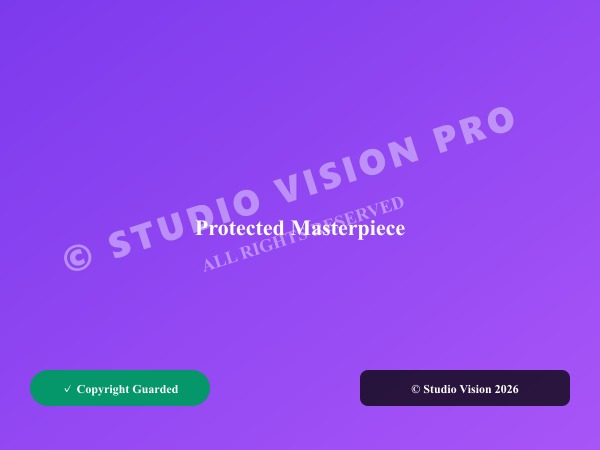
Figure 1: Visual comparison of original unprotected photo and copyright-guarded photo with translucent watermark branding.
Watermark Photos FreeKhả năng & Tính năng nổi bật: Watermark Image
Khác với các phần mềm truyền thống hay dịch vụ đám mây, ILoveImages Watermark Image hoạt động 100% ngay trên trình duyệt nhờ công nghệ WebAssembly tốc độ cao. Dưới đây là các tính năng nổi bật:
- Flexible Watermark Types: Support for crisp custom text watermarks, logo PNG overlays, and repeating tiles.
- Opacity & Blend Controls: Adjust transparency to protect photos subtly without obscuring image details.
- Batch Watermark Engine: Apply consistent copyright branding across hundreds of catalog or portfolio photos at once.
- Full Resolution Preservation: Watermarks are rendered on original resolution canvases without downsampling.
Hướng dẫn từng bước: Watermark Image
Làm theo các bước đơn giản sau để hoàn thành thao tác trong vài giây ngay trên trình duyệt, không cần cài đặt và bảo mật 100%:
Watermark Your Photos Free in Seconds
Protect your portfolio with custom text and logo branding.
Câu hỏi thường gặp
Can I tile my watermark across the entire photo?
Yes, the repeating tile pattern feature covers the entire surface to deter crop-based theft.
Can I use these tools completely offline without an internet connection?
Yes! Once you visit ILoveImages or install it as a PWA, all core scripts and WebAssembly modules are cached locally in your browser's service worker, allowing you to edit photos anywhere, even in airplane mode.
Are my uploaded photos or edits stored on any server?
Never. ILoveImages is built with a zero-server-upload architecture. Every pixel calculation occurs strictly in your browser's local sandbox memory.