
대기 시간과 용량 제한 없는 무료 FreeConvert 대안 사이트
FreeConvert restricts free users to 25 conversion minutes per day and queues large batches. Discover an instant in-browser batch converter.
FreeConvert limits free accounts with 'conversion minutes' quotas and forces users into waiting queues during server congestion.
ILoveImages converts images locally using your computer's native processor. You can convert 50 photos or 500 photos without watching a quota counter tick down.
By utilizing modern browser WebAssembly and HTML5 Canvas pipelines, ILoveImages processes every image locally inside your device memory. This eliminates upload bottlenecks, protects your confidential files from third-party server exposure, and provides lightning-fast execution even on high-resolution camera files.
Universal Format Conversion (HEIC/AVIF/WebP)
Side-by-side visual comparison • Instant on-device result
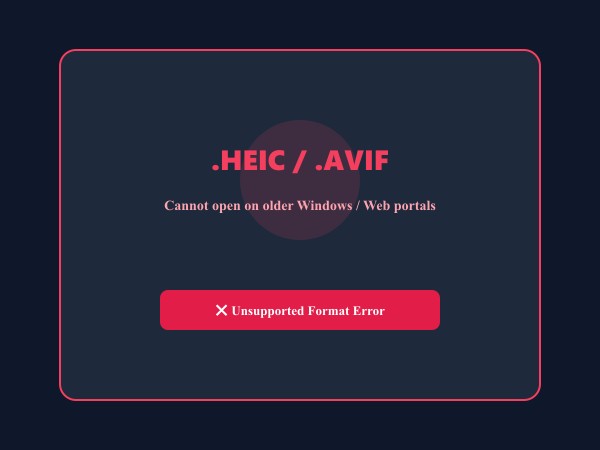
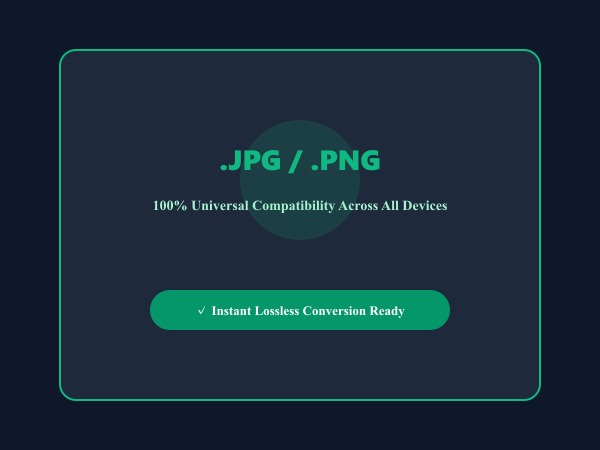
Figure 1: Seamless client-side conversion of proprietary iPhone HEIC and AVIF files into universal high-compatibility JPG/PNG images.
Convert Images FreeWhy Users Are Switching from Commercial Cloud Tools to ILoveImages
For years, users relied on commercial cloud-based image utilities for everyday editing tasks. However, aggressive monetization, recurring subscription paywalls, and mounting privacy concerns have prompted millions of creators, professionals, and students to seek modern, browser-based alternatives.
When you use traditional web image tools, your confidential photos are uploaded to third-party cloud servers where they are queued, stored, and potentially vulnerable to data leaks. ILoveImages eliminates this entire paradigm by running 100% locally on your computer.
- Cloud Server Exposure: Traditional tools transmit your photos across the web to remote servers. ILoveImages processes all data inside your browser tab with zero server uploads.
- Strict Free-Tier Caps: Most commercial editors limit free accounts to 2-3 files per day and enforce tiny file size limits. ILoveImages provides unlimited usage.
- Forced Brand Watermarks: Free downloads from commercial competitors often stamp intrusive logos onto your artwork unless you pay for a monthly subscription.
- Expensive Recurring Paywalls: Commercial tools charge $10 to $30 per month for basic photo cropping, compression, and conversion. ILoveImages is 100% free forever.
- No Mandatory Accounts: Avoid annoying password requirements, email confirmations, and marketing newsletters. Simply open the tool and edit immediately.
상세 비교표: ILoveImages
Here is an objective, feature-by-feature breakdown comparing ILoveImages against Commercial Cloud Tools and traditional cloud photo tools:
| 기능 및 비교 항목 | ILoveImages | Commercial Cloud Tools | 일반 클라우드 편집기 |
|---|---|---|---|
| Pricing & Subscription | 100% Free Forever (No Card) | $10 - $30 / month | Freemium with heavy paywalls |
| Data Privacy & Storage | 100% Client-Side (Zero Uploads) | Stored on remote cloud servers | Third-party server uploads |
| Watermarks on Export | Zero Watermarks (Clean) | Watermarked on free tier | Forced brand watermark |
| Batch / Bulk Processing | Unlimited Photos at Once | 1-2 photos at a time | Single file only |
| Daily Operations Limit | Unlimited (No daily quotas) | 2-3 operations per day | Strict hourly cooldowns |
| Account Registration | No Sign-up / Zero Login | Mandatory email account | Account required to download |
| Processing Speed | Instant Local WebAssembly | Server queue & network upload | Slow network roundtrips |
종합 결론 및 추천
Depending on your workflow requirements, here is our honest recommendation for choosing the right tool for your project:
- Choose ILoveImages if: You value 100% data privacy, handle confidential or personal photos, need fast bulk batch editing, and refuse to pay recurring monthly subscription fees.
- Choose Commercial Cloud Tools if: You specifically require shared enterprise cloud team workspaces, multi-seat corporate billing, or deep cloud asset synchronization.
Convert Unlimited Images in Bulk Free
No minute quotas, no waiting queues, and 100% local processing.
자주 묻는 질문 (FAQ)
How many files can I convert at once?
You can drop dozens of images into the converter; batch processing scales directly with your device's memory.
Can I use these tools completely offline without an internet connection?
Yes! Once you visit ILoveImages or install it as a PWA, all core scripts and WebAssembly modules are cached locally in your browser's service worker, allowing you to edit photos anywhere, even in airplane mode.
Are my uploaded photos or edits stored on any server?
Never. ILoveImages is built with a zero-server-upload architecture. Every pixel calculation occurs strictly in your browser's local sandbox memory.