
iPhoneのHEIC写真をJPGに無料変換する方法
Quickly convert Apple iPhone HEIC and HEIF photos to universally compatible JPG or PNG in bulk without uploading files to third-party servers.
Apple iPhones capture photos in high-efficiency HEIC format by default. While this saves valuable storage space on iOS devices, Windows PCs, Android phones, websites, email clients, and office applications frequently refuse to open .heic or .heif files.
Most online converters require uploading your personal family pictures to remote cloud servers, which takes significant upload bandwidth and creates privacy concerns.
ILoveImages includes a built-in WebAssembly HEIC decoder that runs client-side in your browser, converting dozens of iPhone photos into high-resolution JPGs in seconds.
Universal Format Conversion (HEIC/AVIF/WebP)
Side-by-side visual comparison • Instant on-device result
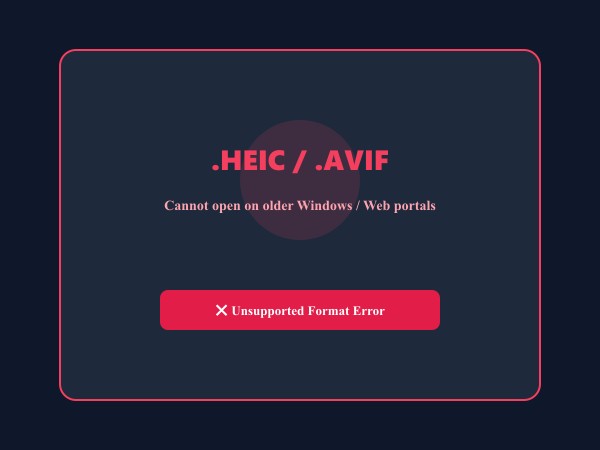
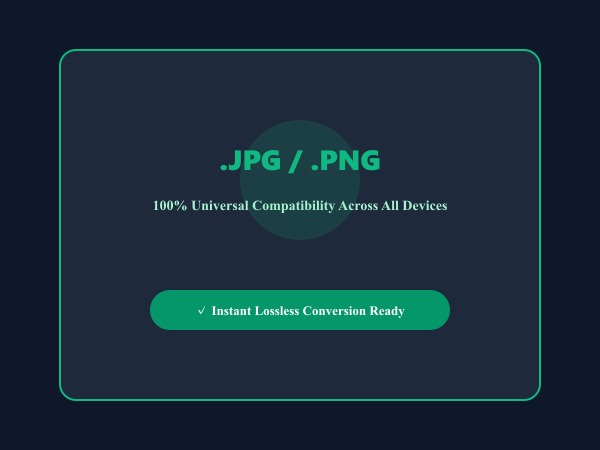
Figure 1: Seamless client-side conversion of proprietary iPhone HEIC and AVIF files into universal high-compatibility JPG/PNG images.
Convert Images Free主な機能と特長: Convert Image
従来のデスクトップソフトやクラウドサービスと異なり、ILoveImages Convert ImageはWebAssembly技術を活用してブラウザ内で高速・安全に動作します。主な特長は以下の通りです:
- Wide Format Compatibility: Convert seamlessly between Apple HEIC, JPG, PNG, WebP, AVIF, GIF, and SVG.
- Native Apple HEIC Decoding: Instantly convert iPhone .heic and .heif photos directly in your browser without Mac software.
- High-Fidelity Color Retention: Preserves exact sRGB color profiles and dynamic range during format transformation.
- Instant Bulk Conversion: Batch convert hundreds of camera files into web-friendly formats with 1-click ZIP export.
簡単ステップガイド: Convert Image
ソフトウェアのインストール不要、完全なプライバシー保護のもとで、ブラウザ上から数秒で完了する簡単手順です:
Convert iPhone HEIC Photos to JPG Free
No file size limits, no watermark, and zero cloud uploads. Try our instant in-browser converter.
よくある質問 (FAQ)
Is photo quality lost when converting HEIC to JPG?
Our converter preserves maximum color gamut and visual fidelity, using 92%+ JPEG quality output so your photos look indistinguishable from the original.
Are my private personal photos uploaded anywhere?
Never. The HEIC decoder operates entirely within your browser's local sandbox memory. No image bytes ever touch our servers.
Can I convert live photos and bursts?
Yes, our converter extracts the high-resolution still frame from any Apple Live Photo and converts it into a pristine JPG.