
Créer des GIF animés depuis photos ou vidéo
Learn how to convert MP4 and WebM video clips or photo bursts into lightweight, smooth animated GIFs free in your browser with zero watermarks.
Animated GIFs are the universal language of social media, Slack messages, GitHub pull requests, and email newsletters. However, uploading videos to online GIF converters often means waiting in long server queues and getting watermarked results.
ILoveImages' GIF Maker processes video clips and image sequences entirely in your browser using fast WebAssembly canvas rendering, giving you smooth frame rates and sharp color palettes with zero server uploads.
Animated GIF Conversion Demonstration
Side-by-side visual comparison • Instant on-device result
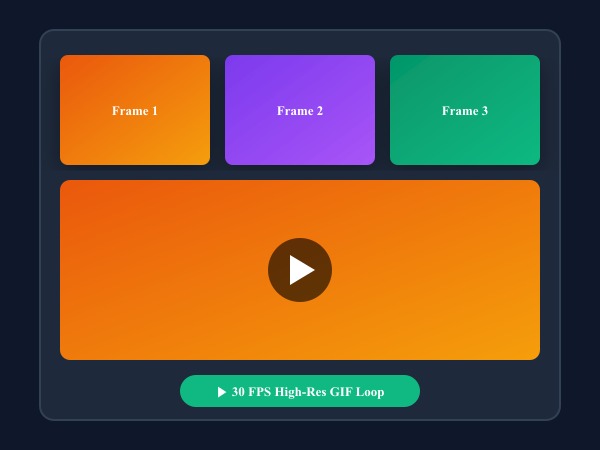
Figure 1: Turning static photo sequence into high framerate looping GIF animation with customizable frame delays.
Create Animated GIF FreeFonctionnalités clés: GIF Maker
Contrairement aux logiciels de bureau classiques ou aux services cloud, ILoveImages GIF Maker s'exécute 100% dans votre navigateur grâce au WebAssembly et au Canvas. Voici ses atouts majeurs :
- Fast In-Browser GIF Encoding: Compiles animated GIFs directly using WebAssembly without server wait times.
- Frame-by-Frame Control: Reorder, duplicate, adjust duration, and delete individual animation frames.
- Palette Optimization: Quantizes colors smoothly with dithering algorithms to prevent color banding.
- Zero Watermarks: Export clean, viral animated GIFs without annoying logo overlays.
Guide étape par étape: GIF Maker
Suivez ces étapes simples pour finaliser votre tâche en quelques secondes directement dans votre navigateur, sans installation et en toute confidentialité :
Create High-Quality Animated GIFs Now
Convert clips, tune frame rates, and export watermark-free GIFs in seconds.
Foire Aux Questions
Is there a watermark on the exported GIF?
Never. All GIFs generated on ILoveImages are 100% clean and free of watermarks.
Can I make a GIF from static photos instead of video?
Yes! You can drop a series of photo frames to build stop-motion animations with custom delay speeds.