
Bilder kostenlos aus PDF-Dateien extrahieren
Extract original embedded photos, diagrams, and figures from PDF files at full native resolution without screenshotting or loss of quality.
Taking desktop screenshots of diagrams or photos inside a PDF results in blurry images restricted by your computer monitor's display scaling.
ILoveImages' PDF to Image tool parses the internal PDF object stream to extract the original raw image bytes directly at their full capture resolution.
By utilizing modern browser WebAssembly and HTML5 Canvas pipelines, ILoveImages processes every image locally inside your device memory. This eliminates upload bottlenecks, protects your confidential files from third-party server exposure, and provides lightning-fast execution even on high-resolution camera files.
PDF Page to Image Extraction
Side-by-side visual comparison • Instant on-device result
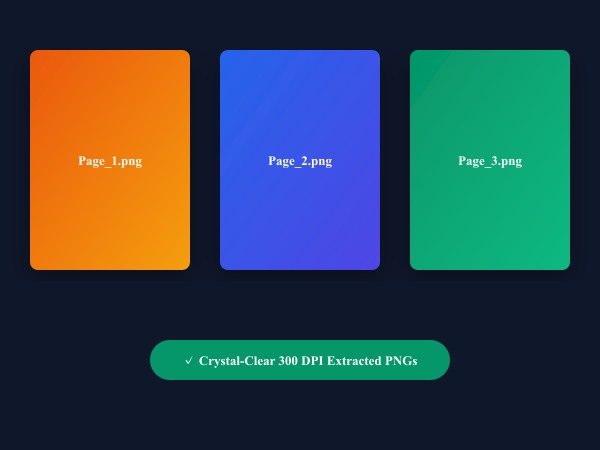
Figure 1: Extracting individual PDF pages into standalone crystal-clear 300 DPI PNG images with zero compression artifacts.
Extract Images from PDF FreeWichtigste Funktionen: PDF to Image
Im Gegensatz zu herkömmlicher Software oder Cloud-Diensten arbeitet ILoveImages PDF to Image vollständig in Ihrem Browser mit schnellem WebAssembly. Das zeichnet dieses Tool aus:
- High-DPI PDF Rendering: Renders PDF documents at up to 300 DPI for crystal-clear text and illustrations.
- Selective Page Extraction: Choose specific page numbers or extract all pages in a single operation.
- Fast Browser WebAssembly: Uses PDF.js to parse and extract pictures locally without server upload wait times.
- One-Click ZIP Export: Downloads all extracted images neatly organized in a ZIP archive.
Schritt-für-Schritt-Anleitung: PDF to Image
Befolgen Sie diese einfachen Schritte, um Ihre Bearbeitung in Sekunden direkt im Browser durchzuführen – ohne Installation und mit maximalem Datenschutz:
Extract Full-Resolution Photos from PDF
No quality loss, no watermark, and zero server uploads.
Häufig gestellte Fragen
Can I convert whole PDF pages into JPG images?
Yes, you can render complete PDF pages into crisp high-resolution JPG or PNG images.
Can I use these tools completely offline without an internet connection?
Yes! Once you visit ILoveImages or install it as a PWA, all core scripts and WebAssembly modules are cached locally in your browser's service worker, allowing you to edit photos anywhere, even in airplane mode.
Are my uploaded photos or edits stored on any server?
Never. ILoveImages is built with a zero-server-upload architecture. Every pixel calculation occurs strictly in your browser's local sandbox memory.