
JPG und PNG kostenlos in PDF umwandeln
Merge multiple JPG and PNG photos into a single compact PDF document with custom page margins, orientations, and compression in your browser.
Sending receipts, homework assignments, or legal contract scans as dozens of separate image attachments often causes missing files or email rejections.
Converting and combining your photos into a single PDF document ensures pages stay in order and open reliably on any device without dedicated photo software.
By utilizing modern browser WebAssembly and HTML5 Canvas pipelines, ILoveImages processes every image locally inside your device memory. This eliminates upload bottlenecks, protects your confidential files from third-party server exposure, and provides lightning-fast execution even on high-resolution camera files.
Image to Multi-Page PDF Conversion
Side-by-side visual comparison • Instant on-device result
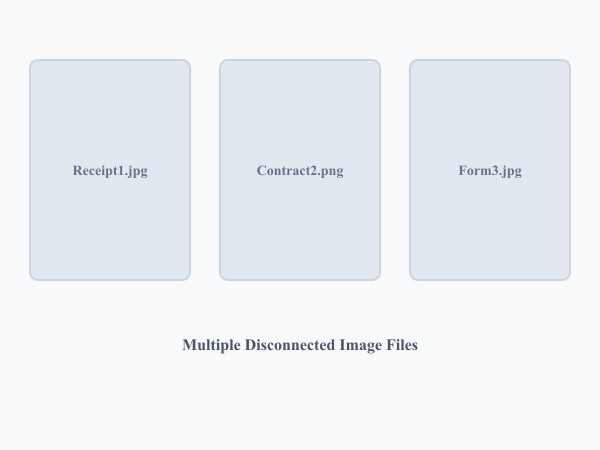
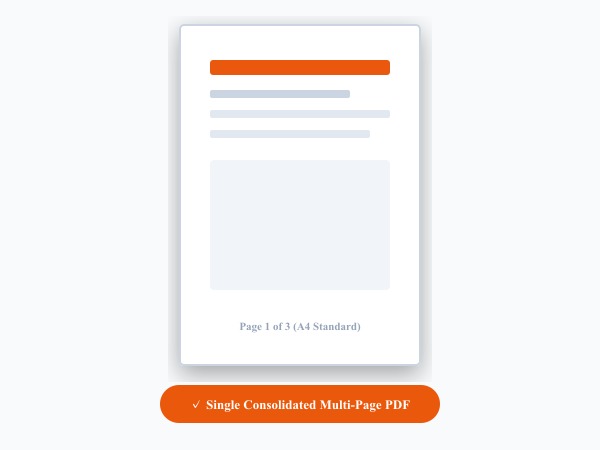
Figure 1: Compiling multiple scanned JPG/PNG pictures into an organized, print-ready multi-page PDF document with standardized margins.
Convert Images to PDF FreeWichtigste Funktionen: Image to PDF
Im Gegensatz zu herkömmlicher Software oder Cloud-Diensten arbeitet ILoveImages Image to PDF vollständig in Ihrem Browser mit schnellem WebAssembly. Das zeichnet dieses Tool aus:
- High-Resolution PDF Compilation: Generates clean, crisp PDF documents directly in client-side memory.
- Drag-and-Drop Page Reordering: Easily rearrange, rotate, or delete individual pages before compiling.
- Margin & Orientation Controls: Choose borderless full-bleed or neat document margins with standard paper sizes.
- 100% Private Document Creation: Medical receipts, IDs, and financial documents never touch a third-party server.
Schritt-für-Schritt-Anleitung: Image to PDF
Befolgen Sie diese einfachen Schritte, um Ihre Bearbeitung in Sekunden direkt im Browser durchzuführen – ohne Installation und mit maximalem Datenschutz:
Convert Photos to Clean PDF Documents
No page limits, no watermarks, and 100% free client-side PDF generation.
Häufig gestellte Fragen
Can I reorder pages before creating the PDF?
Yes, you can drag and drop photo thumbnails on the canvas to set the exact page sequence.
Can I use these tools completely offline without an internet connection?
Yes! Once you visit ILoveImages or install it as a PWA, all core scripts and WebAssembly modules are cached locally in your browser's service worker, allowing you to edit photos anywhere, even in airplane mode.
Are my uploaded photos or edits stored on any server?
Never. ILoveImages is built with a zero-server-upload architecture. Every pixel calculation occurs strictly in your browser's local sandbox memory.