
Bilder unter 20 KB oder 50 KB gratis komprimieren
Learn how to compress JPG and PNG images down to exact target file sizes under 20KB, 50KB, or 100KB for government job and visa portals.
Government job portals, visa applications, academic admission systems, and bank KYC forms frequently reject photo uploads exceeding 20KB, 50KB, or 100KB. Using standard image editors often turns into frustrating trial-and-error where images end up either horribly pixelated or still slightly above the strict upload limit.
Most legacy photo compressors force you to guess with an arbitrary quality slider between 1% and 100%. If you set it to 60%, the file might be 62KB. If you set it to 50%, it drops to 18KB but looks unreadable.
With ILoveImages' browser-based compression engine, an adaptive binary search algorithm tunes quality and dimension scaling directly inside your browser memory to hit your exact kilobyte threshold with zero server uploads.
Smart Compression Quality Comparison
Side-by-side visual comparison • Instant on-device result
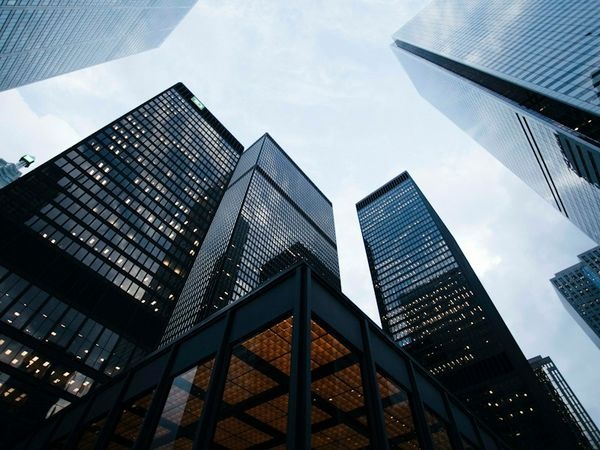
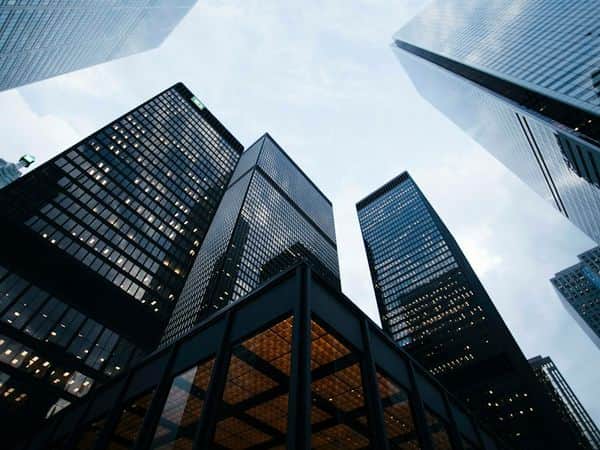
Figure 1: Visual comparison of photo before compression (3.8 MB) and after device-based optimization (65 KB). Sharpness, text, and edges remain preserved while saving 98% file size.
Compress Your Image FreeWichtigste Funktionen: Compress Image
Im Gegensatz zu herkömmlicher Software oder Cloud-Diensten arbeitet ILoveImages Compress Image vollständig in Ihrem Browser mit schnellem WebAssembly. Das zeichnet dieses Tool aus:
- Target Size Precision: Dial in exact kilobyte limits (e.g. 20KB, 50KB, 100KB) with adaptive binary-search quantization.
- 100% Client-Side Privacy: Your photos are compressed directly in browser memory without ever being uploaded to any cloud server.
- Unlimited Bulk Processing: Compress dozens of images at once and download everything in a convenient single ZIP file.
- Zero Visual Degradation: Smart perceptual encoding preserves clean lines, text legibility, and skin tones.
Schritt-für-Schritt-Anleitung: Compress Image
Befolgen Sie diese einfachen Schritte, um Ihre Bearbeitung in Sekunden direkt im Browser durchzuführen – ohne Installation und mit maximalem Datenschutz:
Compress Images to Exact KB Limits Now
Hit 20KB, 50KB, or 100KB thresholds effortlessly with our free in-browser compression engine.
Häufig gestellte Fragen
Does reducing a photo to 20KB make it completely blurry?
Our engine optimizes quantization tables and strips non-essential EXIF metadata before scaling pixels, maintaining crisp legibility for IDs and passport portraits.
Can I compress multiple photos to 50KB at once?
Yes, you can drop up to 50 photos at once. Each photo will be individually calibrated to stay under your target threshold and exported in a single ZIP.
Is there any risk of my ID photo being saved on your servers?
None whatsoever. All compression runs locally inside your browser's WebAssembly sandbox. Not a single byte is transmitted across the internet.